 Nuri Gökdoğan
Industry websites · Névora example
Your website. Easy to keep current.
Present your services, prices and people with care. Keep the details up to date from your own control panel.
Névora is a working demonstration of this website setup.
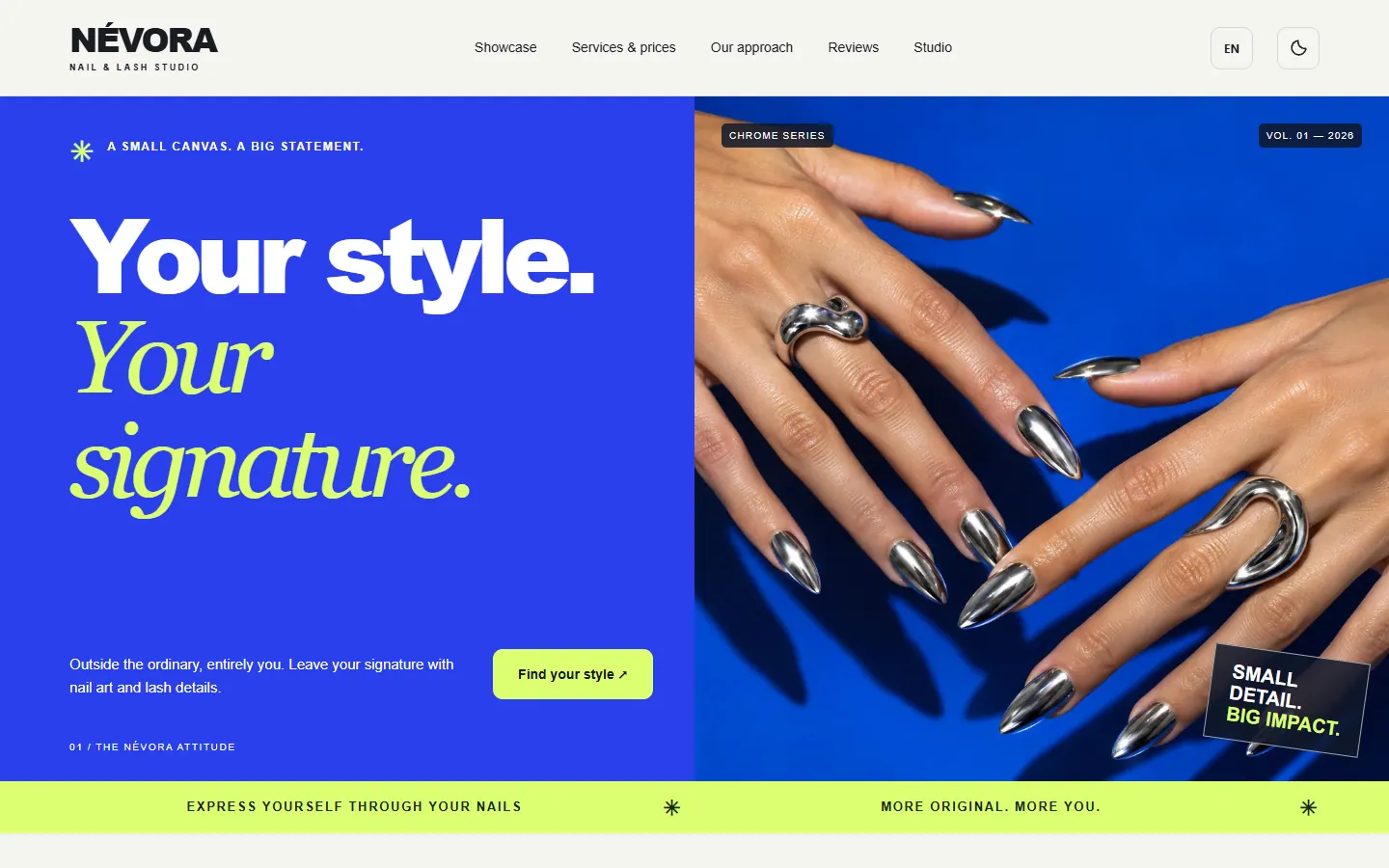
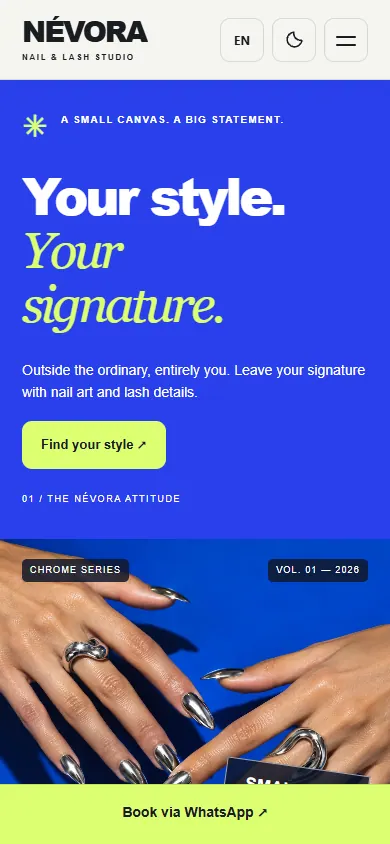
01 / Website
A clear first impression.
Give visitors the information they came for: what you offer, who provides it, your opening hours and how to contact you.
A direct route to an enquiry.
Visitors choose a service and prepare a WhatsApp message. Your business confirms the request directly.
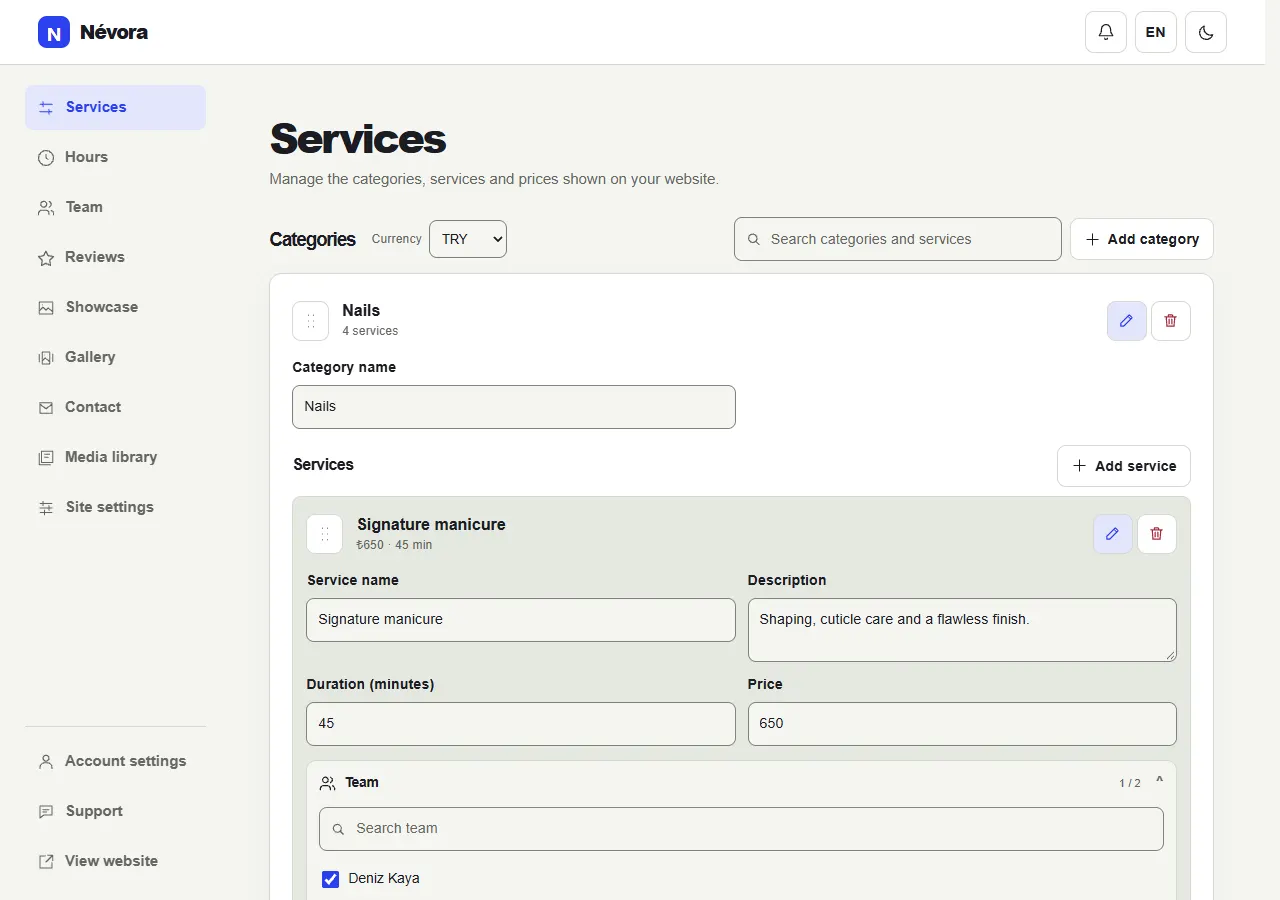
02 / Control panel
Your content, in your hands.
Make everyday updates in one place. The same service and team records stay connected across the panel.
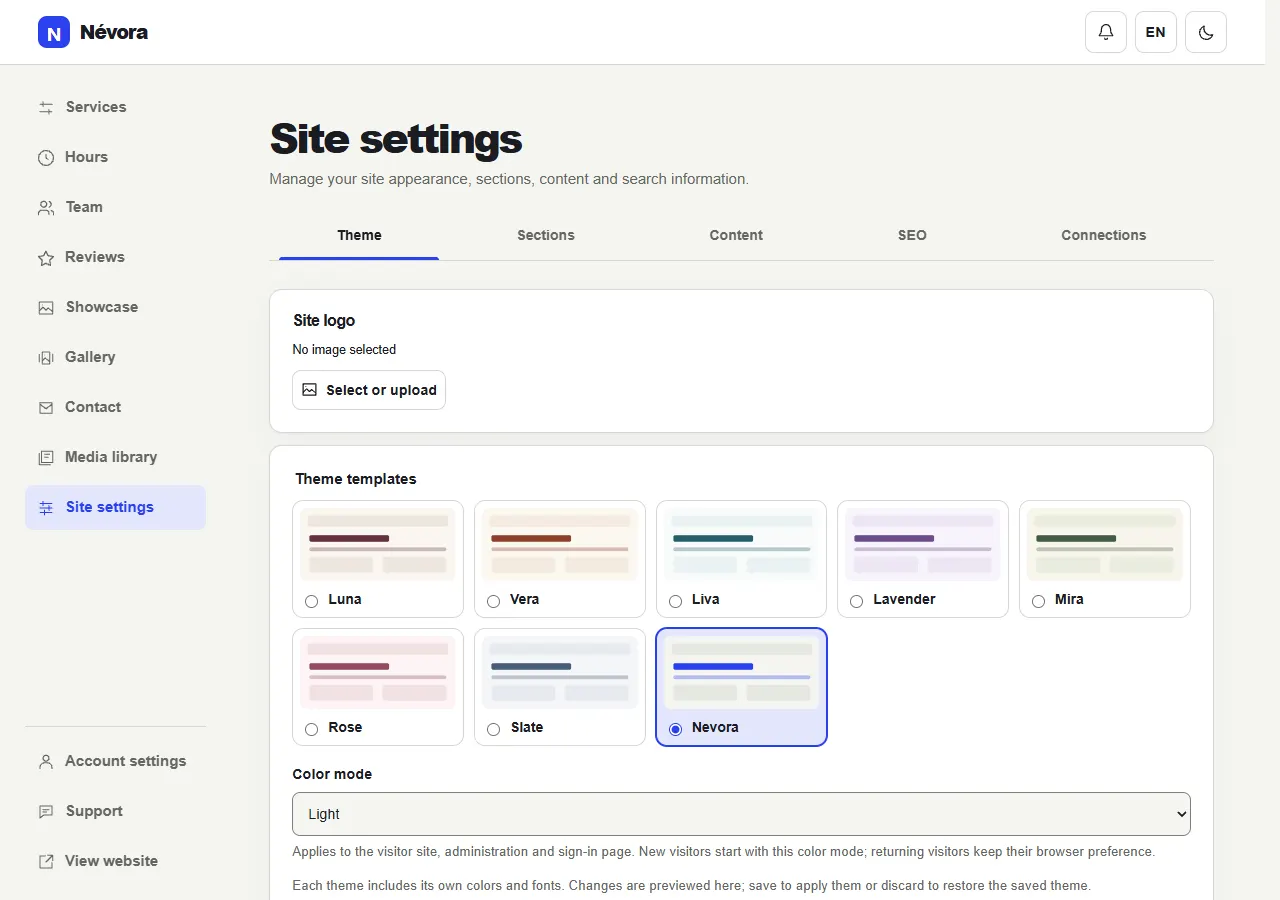
03 / Daily updates
Keep today’s details accurate.
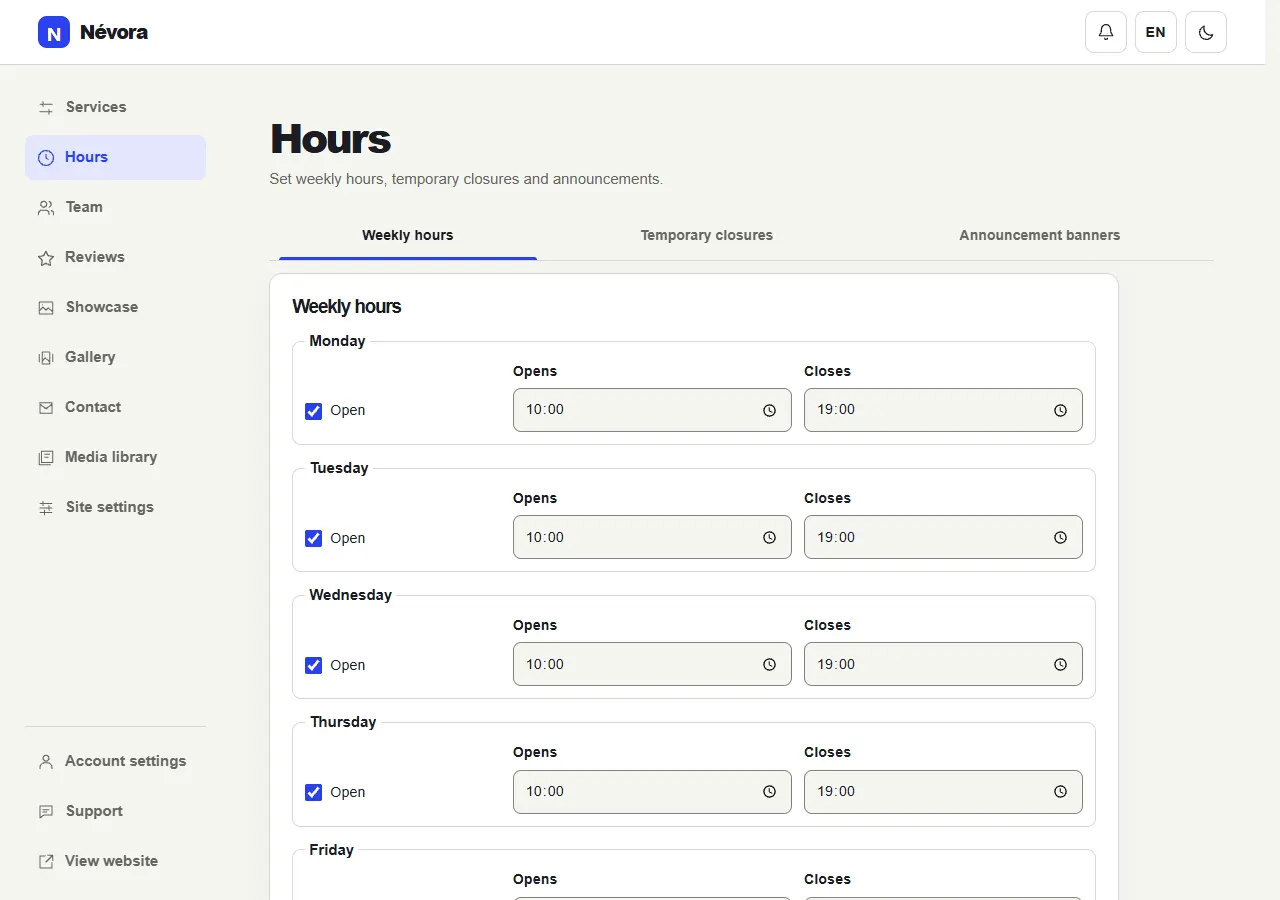
Weekly hours, temporary closures and dated announcements help visitors know what to expect.
The details that make it yours.
Choose the sections you need and update them as your business changes.
Content and theme
Edit your text, logo, theme and section order. See supported content changes in a live preview.
Services, prices and team
Update services and prices, choose a currency and connect each service with the relevant team members.
Hours and announcements
Set weekly hours, single or recurring closures, exceptions and scheduled announcement strips.
Showcase and gallery
Keep the three-photo showcase separate from the optional gallery. Reuse photos or create before and after cards.
Customer reviews
Review submissions before publishing. Edit, remove or restore reviews and choose how many visitors initially see.
One media library
Upload once and reuse images. See where a photo is used before removing it from the library.
Account, domain and support
Manage your account, request a domain connection and follow support conversations from the panel.
App access and notifications
Add the site or panel as an app in a supported browser. Panel browser notifications are optional.
A few practical questions
Is this suitable for my business?
It suits service businesses that need a clear website for their services, team, prices and contact information. The layout and content are adjusted to your needs.
How are enquiries confirmed?
The website prepares a WhatsApp enquiry. You discuss availability and confirm the request with the customer.
Can I make changes after launch?
Yes. Update the supported content in your own panel; changes appear on the public website when saved.
Nuri Gökdoğan / Studio
Start with your own business.
We agree on your needs and prepare your website. Add your real content, connect your domain through the panel and continue with a clear support channel.